


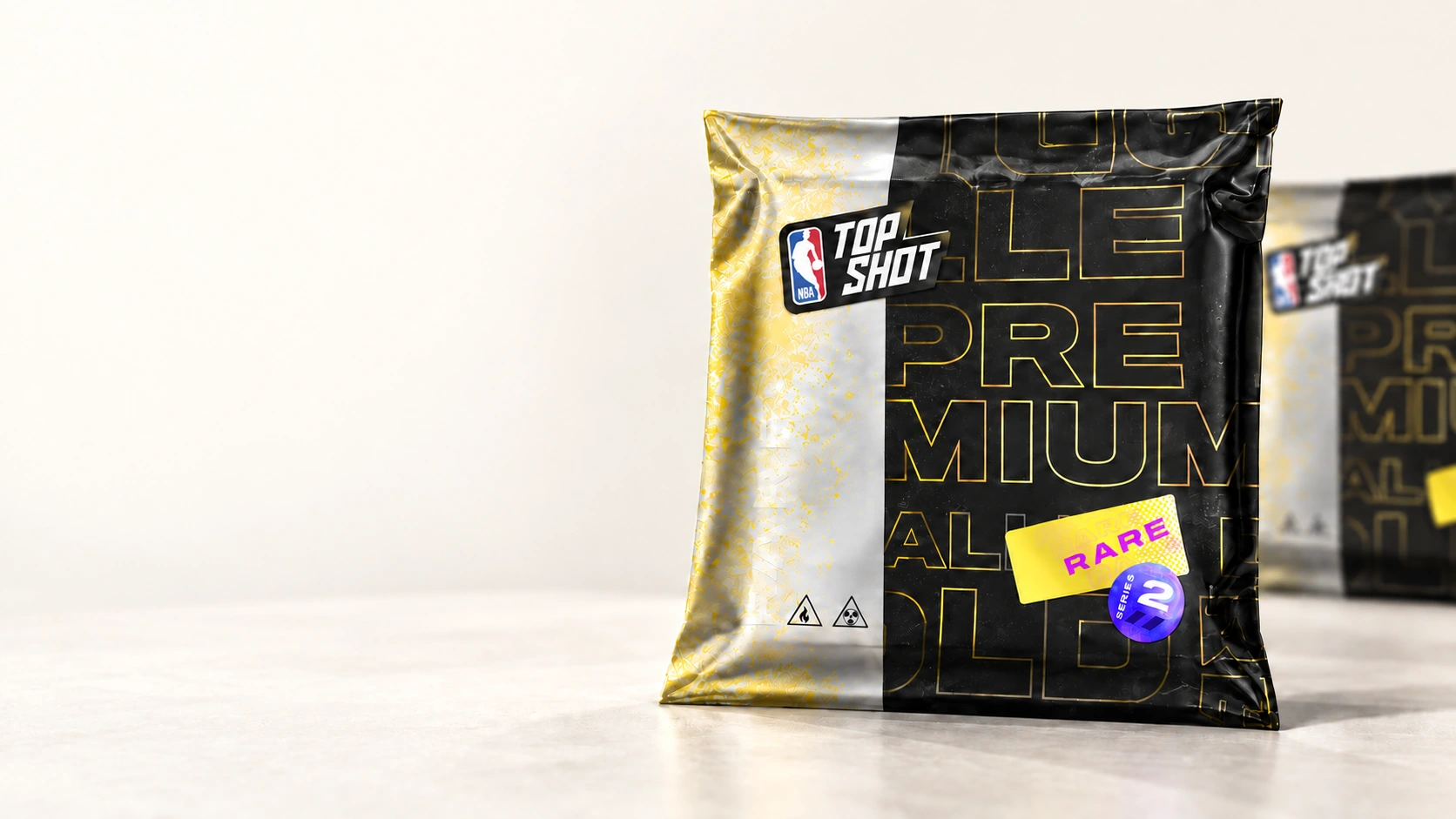
DAPPER WALLET
Your digital collection, together on desktop.
View Flow collectible cards and selected NFTs alongside native BTC, ETH, SOL, and FLOW balances. Explore what you own, see its network and activity, and find what to collect next.
Choose your platformWindows · macOS · Linux
COLLECTION
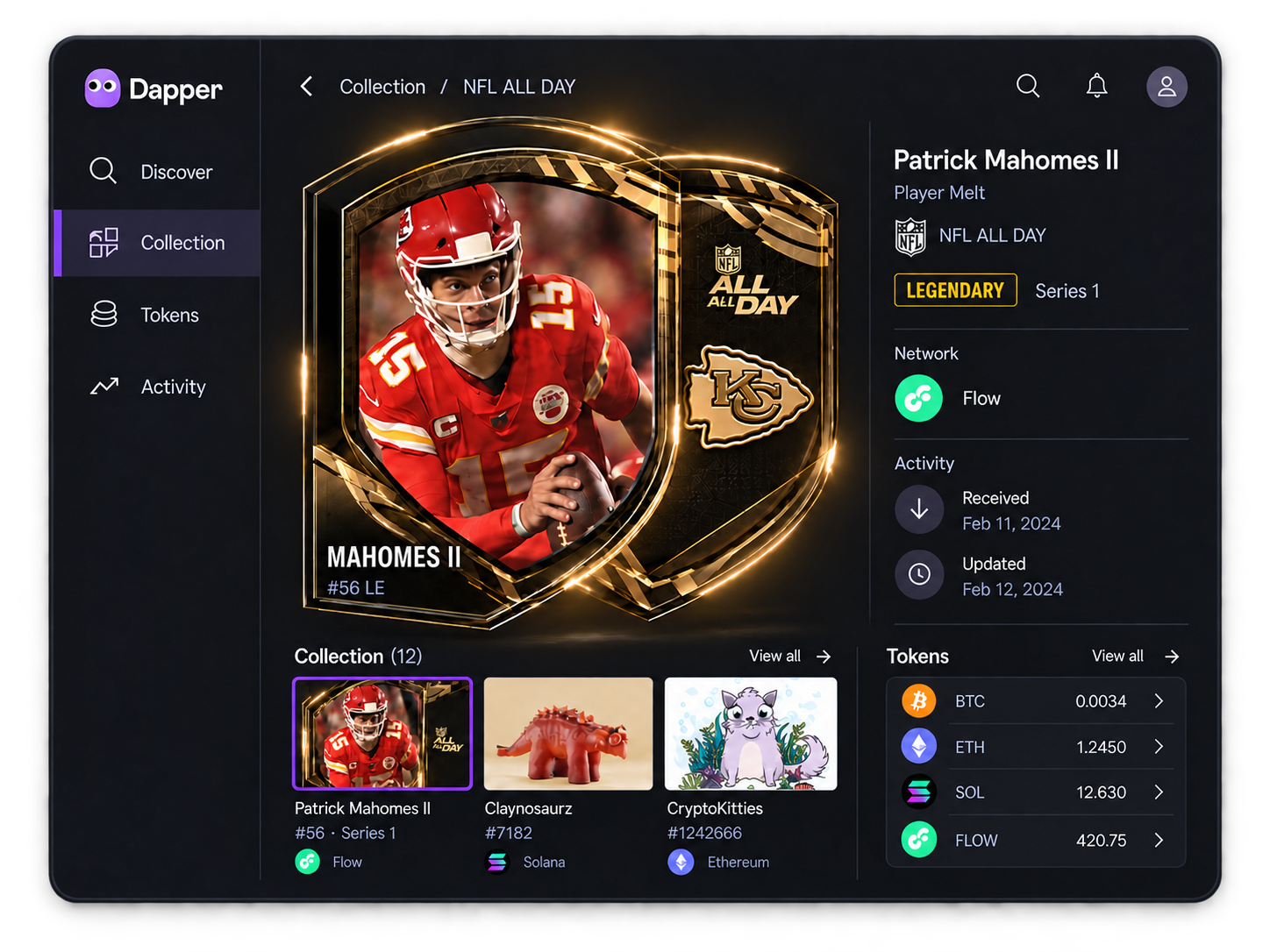
Cards and NFTs, with their networks in view
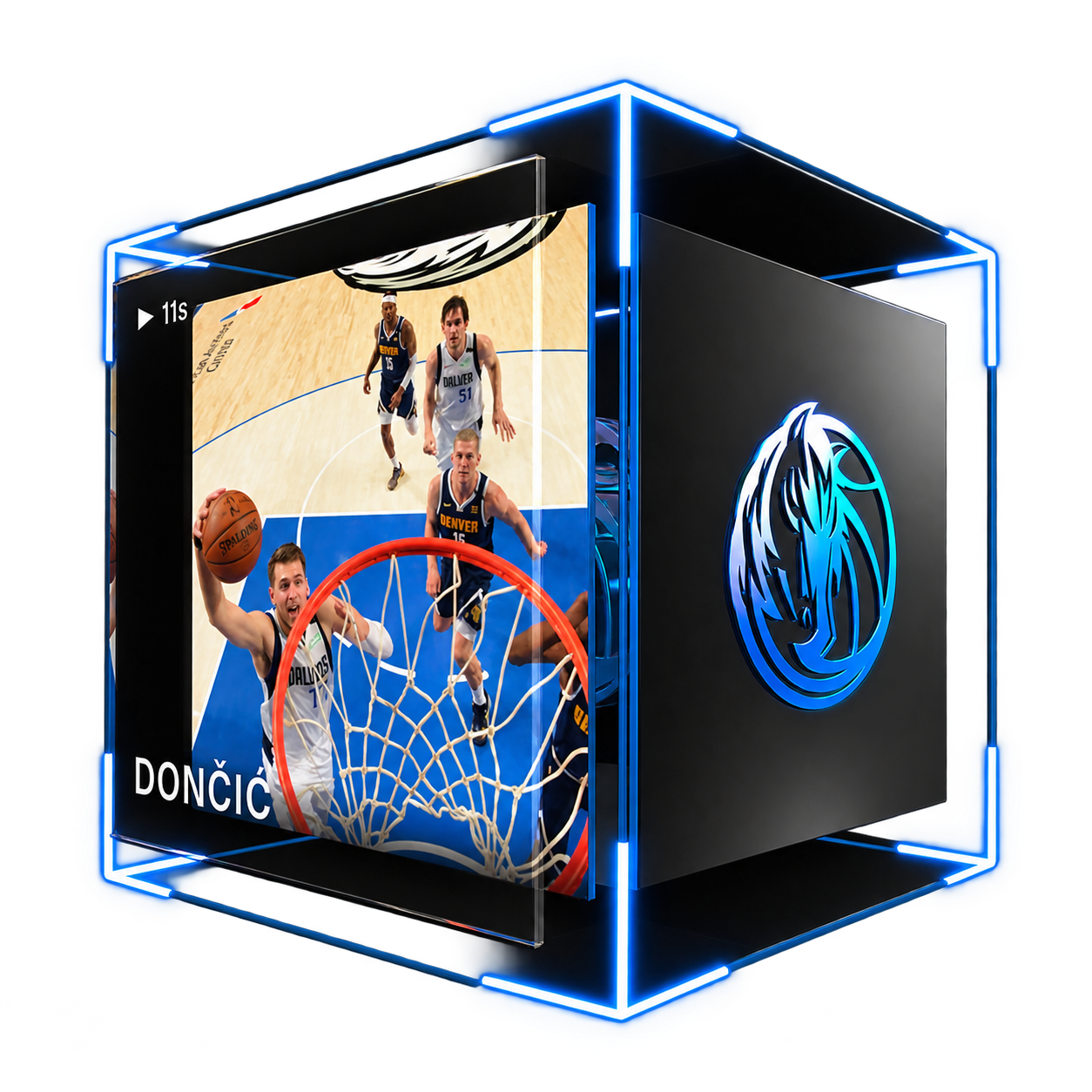
Flow collectible cards and selected NFTs on Flow, Ethereum, and Solana live in Collection. Open a piece to see its artwork, collection details, network, and activity. Native BTC, ETH, SOL, and FLOW balances have their own place in Tokens.
Flow collectible cards and NFTs, up close.

DISCOVER
From discovery to your wallet
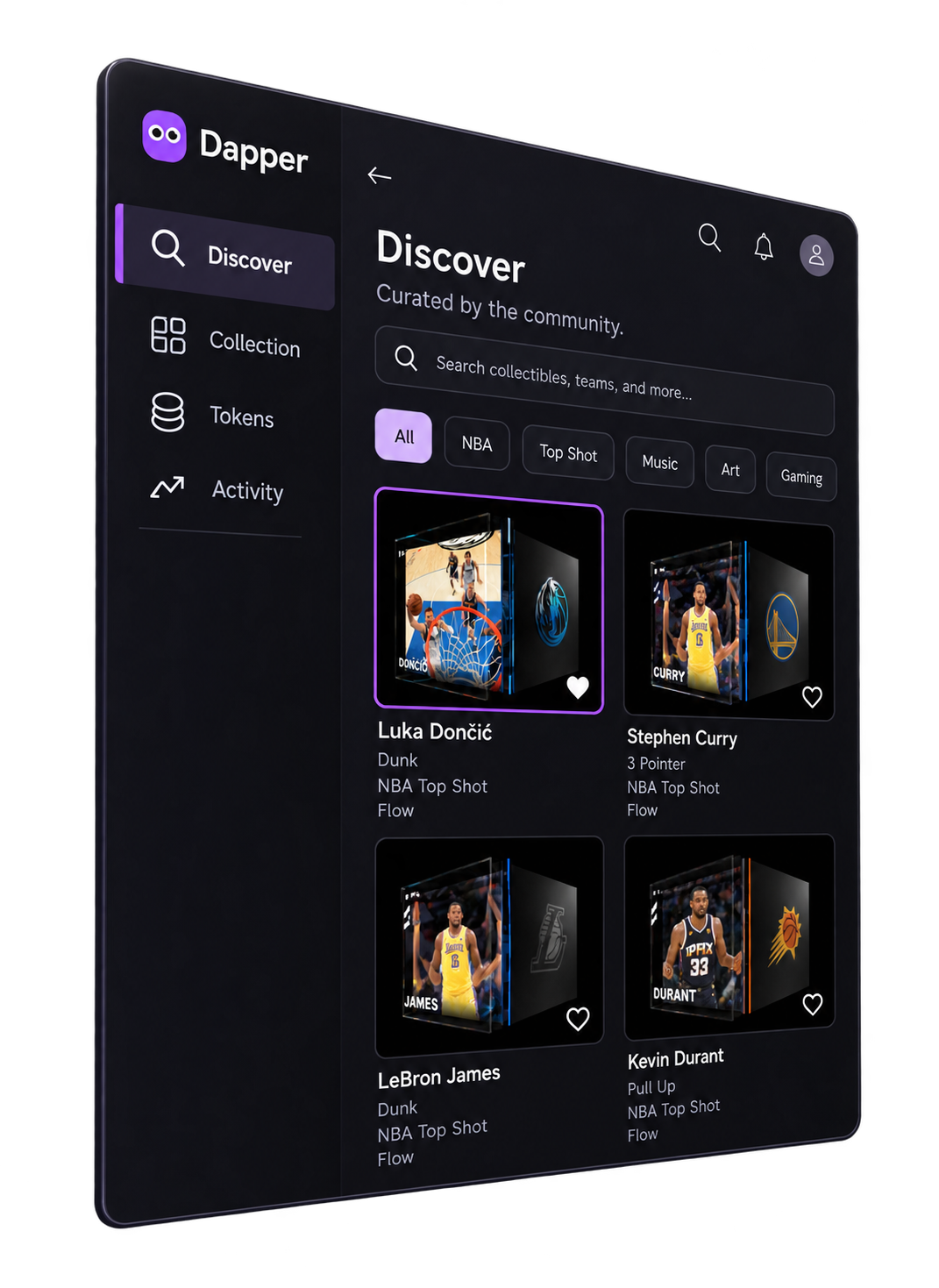
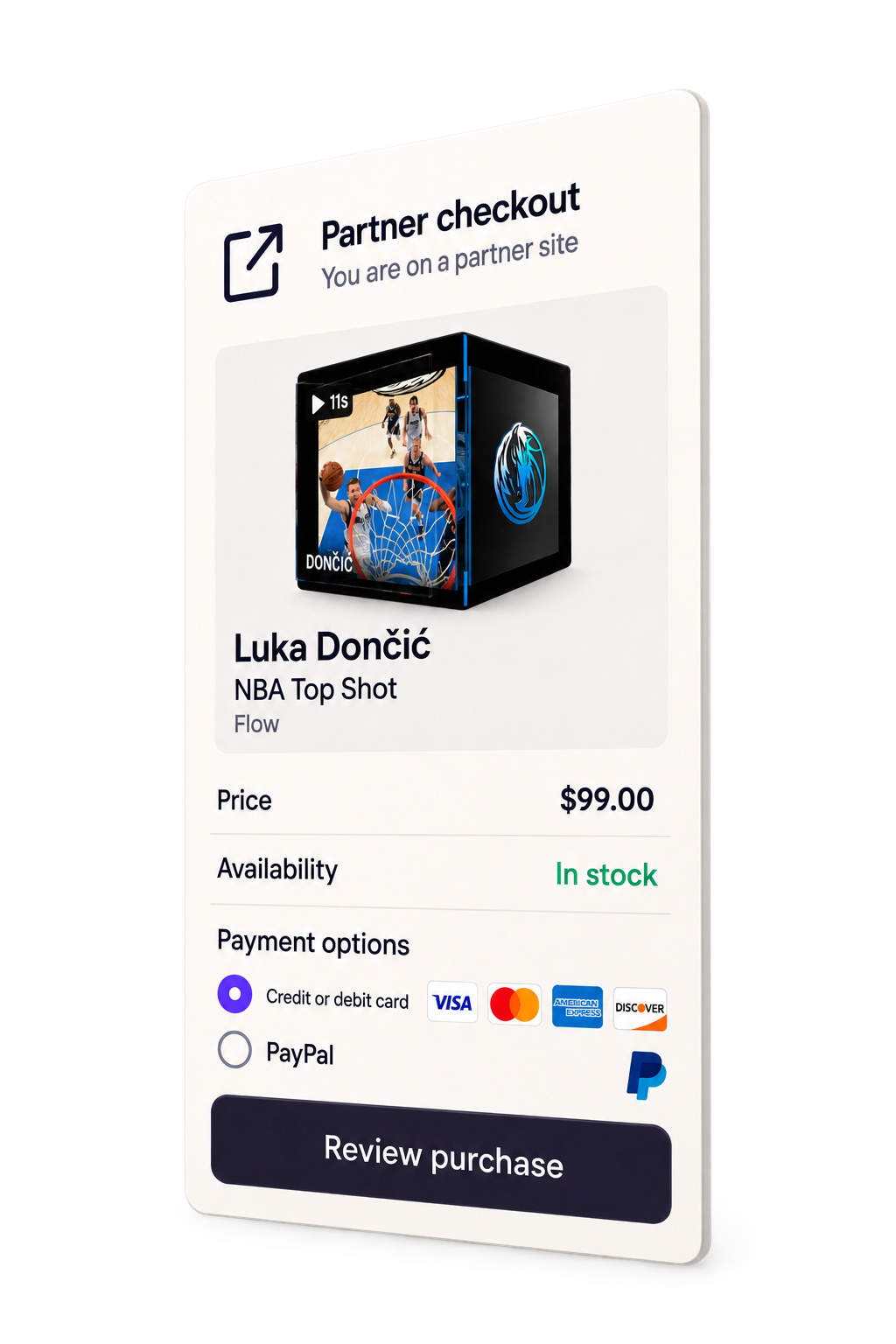
Browse curated digital collectible cards and selected assets in Discover. A participating partner handles checkout; the completed purchase then appears in the right place in your wallet.
-
01
Explore
See the asset and its details in Discover.
-
02
Check out with a partner
Review price, availability, and payment options with that provider.
-
03
Find it in Dapper
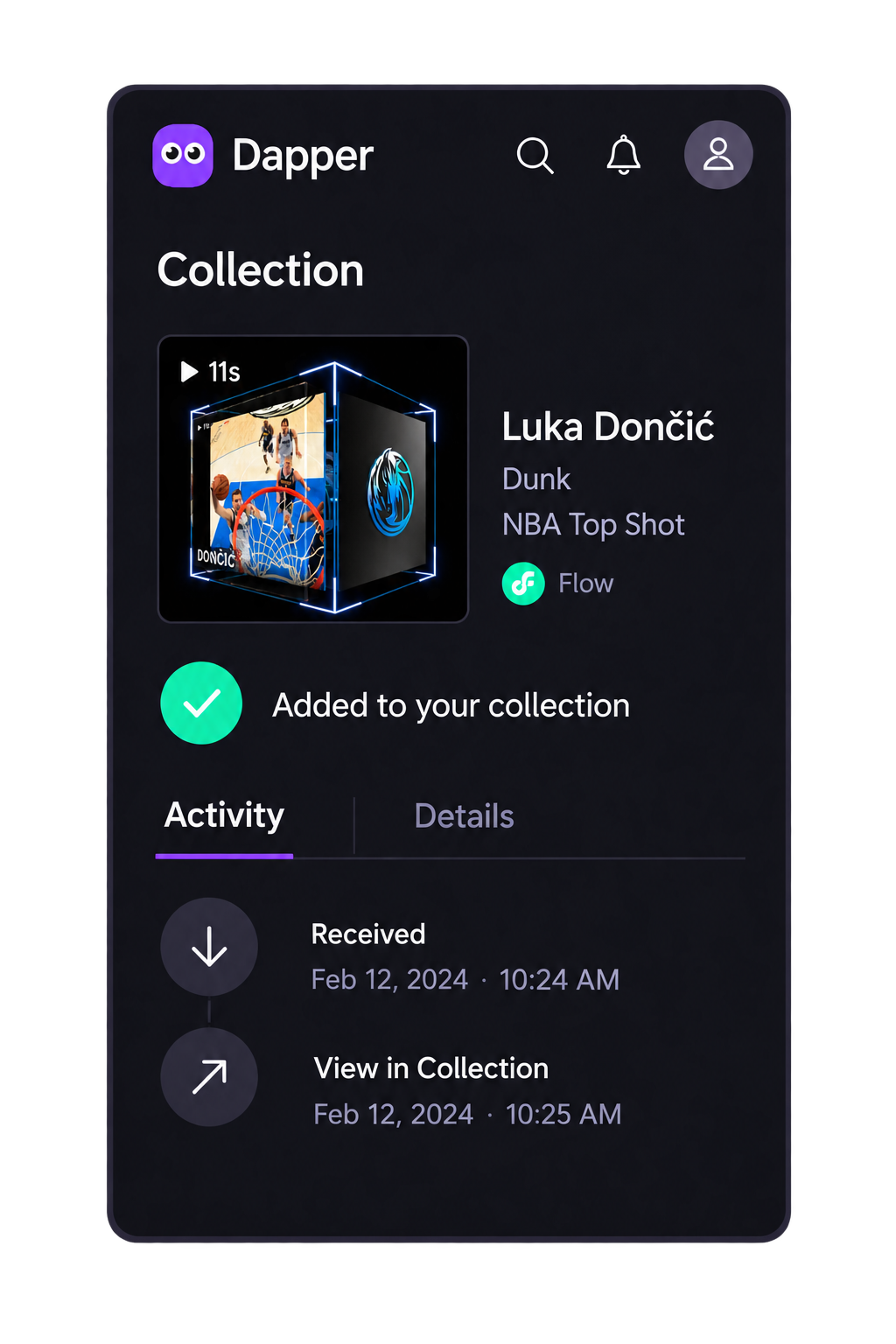
Open the holding in Collection or Tokens and follow its activity.
YOUR WORKSPACE
One wallet. Four clear views
Move between finding new assets, reviewing what you hold, and checking activity in one place. Each holding keeps its network identity visible as you move from overview to detail.
Discover
Find curated cards and selected assets.
Collection
Browse Flow cards and selected NFTs.
Tokens
Check native BTC, ETH, SOL, and FLOW balances.
 BTC
BTC ETH
ETH SOL
SOL FLOW
FLOW
Activity
Review changes across your holdings.
DOWNLOAD
Take your collection to desktop
Choose the platform that fits your computer.

macOS

Linux
QUESTIONS
Questions about Dapper Wallet
-
Which crypto balances can I view in Dapper Wallet Desktop?
Native BTC, ETH, SOL, and FLOW balances appear in Tokens. Collection keeps digital collectible cards and selected NFTs separate, with each holding's network in view.
-
Which NFTs and digital collectible cards can I view?
Flow digital collectible cards and selected NFTs on Flow, Ethereum, and Solana appear in Collection. Open an item to see its artwork, collection details, network, and activity. “Cards” means digital collectibles, not payment cards.
-
Does support for Flow, Ethereum, and Solana include every NFT?
No. The wallet displays selected NFTs on those networks. Support for one collection does not mean every NFT on that network is included.
-
How does buying digital collectibles work?
Browse curated assets in Discover. A participating partner handles checkout and sets price, payment options, eligibility, and availability. A completed, supported purchase appears in Collection or Tokens according to its type.
-
How does this wallet relate to my Dapper account?
Dapper Wallet Desktop is a computer companion to a Dapper account. Its Discover, Collection, Tokens, and Activity views organize supported assets by type and network.